Phishing: How Not to Take the Hacker's Bait
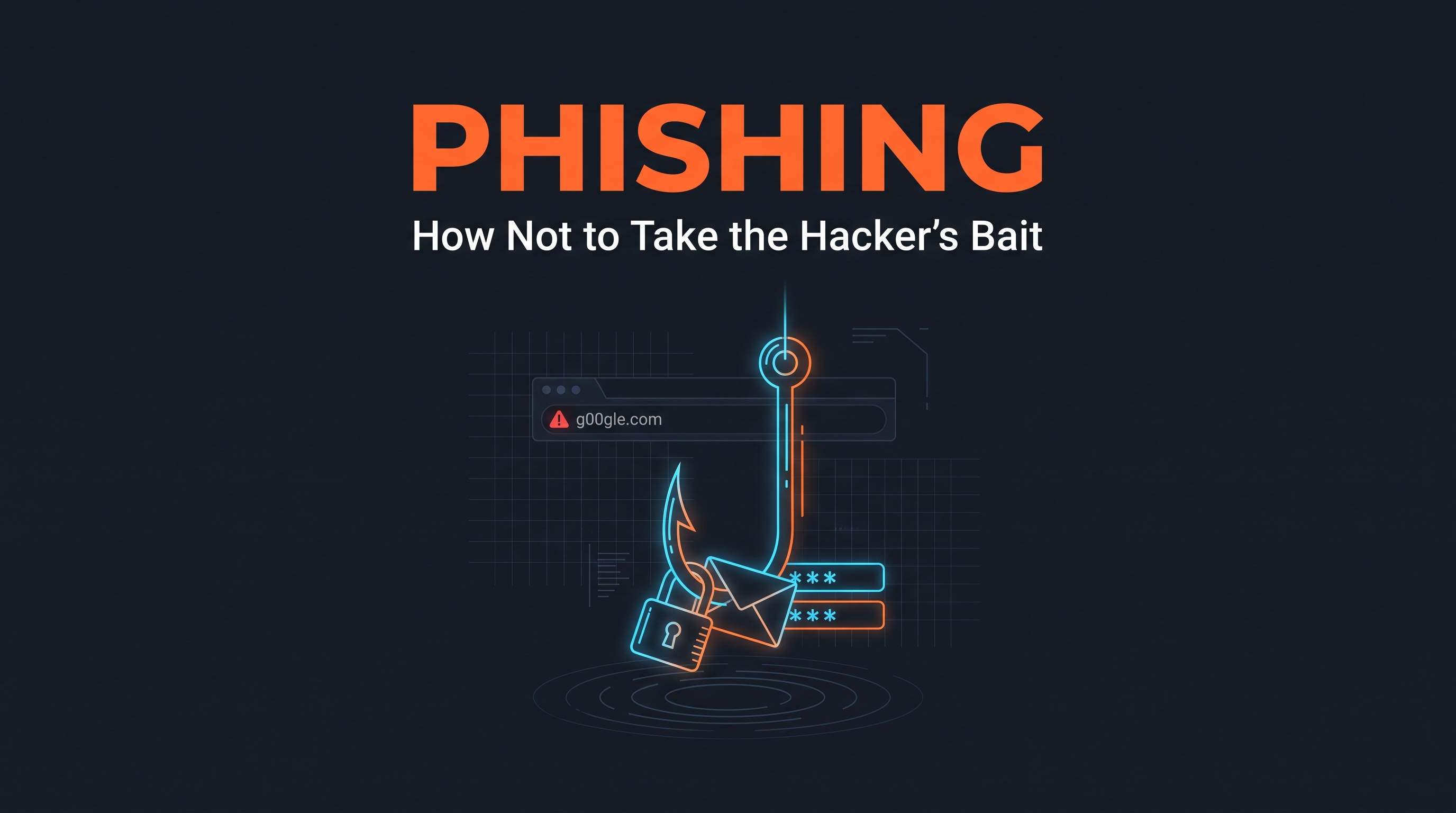
If an SQL injection is an attempt to break into a system through code, phishing targets the person instead. An attacker pretends to be a bank, social network, colleague, familiar service, or even someone from your contact list in order to make you provide sensitive information yourself.
It usually starts with a message containing a simple excuse: “Your account has been blocked”, “Confirm your login”, “You have received a bonus”, or “Check this transaction immediately”. The message contains a link to a page that may look almost identical to the real website. If you enter your username and password there, the information can end up with the attacker.
Phishing has become more convincing in recent years. AI-based tools can be used to create fake messages, images, and even a voice that sounds like someone you know. That is why simply thinking that a message “looks normal” is no longer enough.
The first thing to check is the website address
Look at the domain in the browser's address bar. Instead of the real google.com, an attacker may use g00gle.com, google-support.net, or another similar address.
Attackers commonly use several tricks:
- Typosquatting:
instagran.cominstead ofinstagram.com. - Similar-looking characters: combinations of letters that visually resemble the original domain.
- Punycode: domains containing characters from other alphabets that look similar to Latin letters.
- Extra words and misleading subdomains: for example,
security-instagram.comorlogin.instagram.verify-acc.ru.
Pay particular attention to the actual domain. Seeing a familiar brand name somewhere in a long address does not mean that you are on the official website.
Urgency is one of the main phishing tricks
Messages such as “do this within two hours”, “your account will be deleted”, or “confirm the transaction right now” are designed to make you act quickly. When people are under pressure, they are less likely to check the website address or question the message itself.
If a message pushes you to act immediately, stop and verify the information through another channel.
Be careful with sensitive information
Do not send passwords, verification codes, CVV codes, or other account credentials through suspicious forms or private messages. If a message supposedly comes from a bank or another service, open its website yourself or use the official application.
HTTPS does not mean that a website is legitimate
Another common mistake is treating the padlock icon in the browser as proof that a website is safe. HTTPS protects the connection between your browser and the server, but it does not prove that the website owner is trustworthy.
A phishing website can also use HTTPS. The domain itself still needs to be checked.
Simple habits that reduce the risk
Use two-factor authentication. Even if an attacker obtains your password, an additional authentication factor can prevent them from accessing the account.
Do not follow links from suspicious messages. If you need to access your bank, social network, or another service, type the address yourself or open the official application.
Do not ignore browser warnings. Modern browsers and security systems can block known malicious pages. If your browser warns you about a website, do not bypass the warning without checking why it appeared.
A phishing page can look convincing
A simple educational prototype can demonstrate why these attacks work. A fake page can copy the visual appearance of a real service, including its logo, login fields, and familiar interface. Once everything looks normal, users are less likely to notice the address bar.
A training example can also demonstrate how a fake login form may display an error and then redirect the user to the real website. The purpose of such a scenario is to show how easily a person can miss the substitution.
The important point is that even a perfect copy of an interface does not tell you who receives the information entered into it.
Make checking the domain a habit
Phishing often does not require a complicated technical attack. The attacker only needs to convince a person to enter sensitive information on a fake page.
Before entering a password, take a few seconds to check the address bar. If the domain is different from the official one, the message creates unnecessary urgency, or the page unexpectedly asks for confidential information, close it and open the service yourself.