Google Dorks: Finding Forgotten Files and Exposed Panels
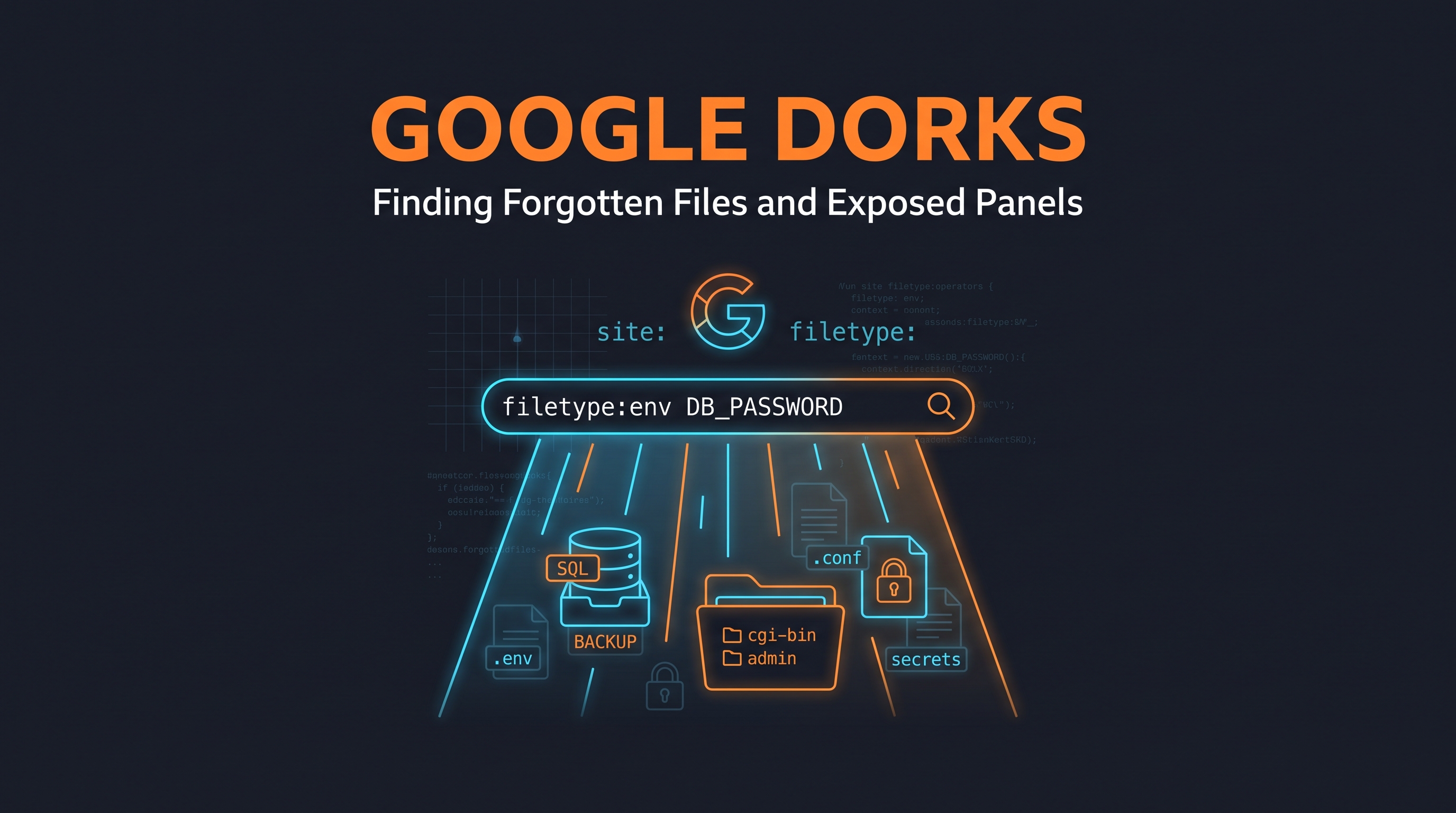
Many people imagine hacking as a black screen filled with green characters. In reality, reconnaissance often starts with something much simpler: a search engine.
When a website or server is poorly configured, Google may reveal information that was never meant to be publicly accessible: backups, configuration files, documents, login pages or directory listings.
This approach is commonly known as Google Dorks, or Google Hacking. It does not involve hacking Google itself. The idea is to use advanced search operators to find information that a website has already exposed to the internet.
When a forgotten file becomes a security problem
One of the most common mistakes is leaving a file in a public directory even though it was intended for internal use. This can include backups, old configurations, logs or environment files.
filetype:env "DB_PASSWORD"A query like this may reveal publicly indexed environment files. Depending on their contents, they can contain database connection details, API keys and other secrets.
Configuration files can be searched in a similar way:
filetype:conf "password" "user"Accidentally exposed SQL files can also reveal information about a database structure:
filetype:sql "INSERT INTO" "users"Finding such a file is already a security issue. Testing someone else's systems or using credentials found in public files without authorization is not acceptable. During an authorized audit, however, these queries are useful for checking whether sensitive files have accidentally become searchable.
Documents can reveal more than expected
Not every exposure is technical. Employees regularly publish presentations, spreadsheets, instructions and internal documents that can later be indexed by search engines.
site:example.com filetype:pdf
site:example.com filetype:docx
site:example.com filetype:xlsx
Even when a document contains no passwords, it can reveal internal system names, server addresses, employee names, organizational structure or other information useful during reconnaissance.
Admin panels can be searchable too
Many CMS platforms and web applications use predictable URLs for authentication pages. If such a page is publicly accessible and indexed, finding it can be surprisingly easy.
inurl:admin
inurl:wp-admin
intitle:"Login" "Control Panel"
The existence of a login page is not a vulnerability by itself. The real problem appears when an administrative interface is poorly protected, runs outdated software, lacks proper access restrictions or is unnecessarily exposed to the public internet.
Network equipment and management interfaces
A more serious situation occurs when search results expose management interfaces for routers, proxy servers or other network equipment.
intitle:"Cisco Systems" "Level 15" "access"
intitle:"Web Proxy Administration"
For a security professional, such results are a reason to review the configuration. Management interfaces should not be exposed to the internet unless there is a clear operational reason and appropriate access controls are in place.
CGI-BIN and directory listings
Directories such as /cgi-bin/ are another interesting case. Historically, they have been used to store server-side scripts written in languages such as Perl or Shell. CGI-BIN itself is not a vulnerability, but poor configuration can expose files, source code or internal information.
One common sign is an open directory listing:
intitle:"Index of" "cgi-bin"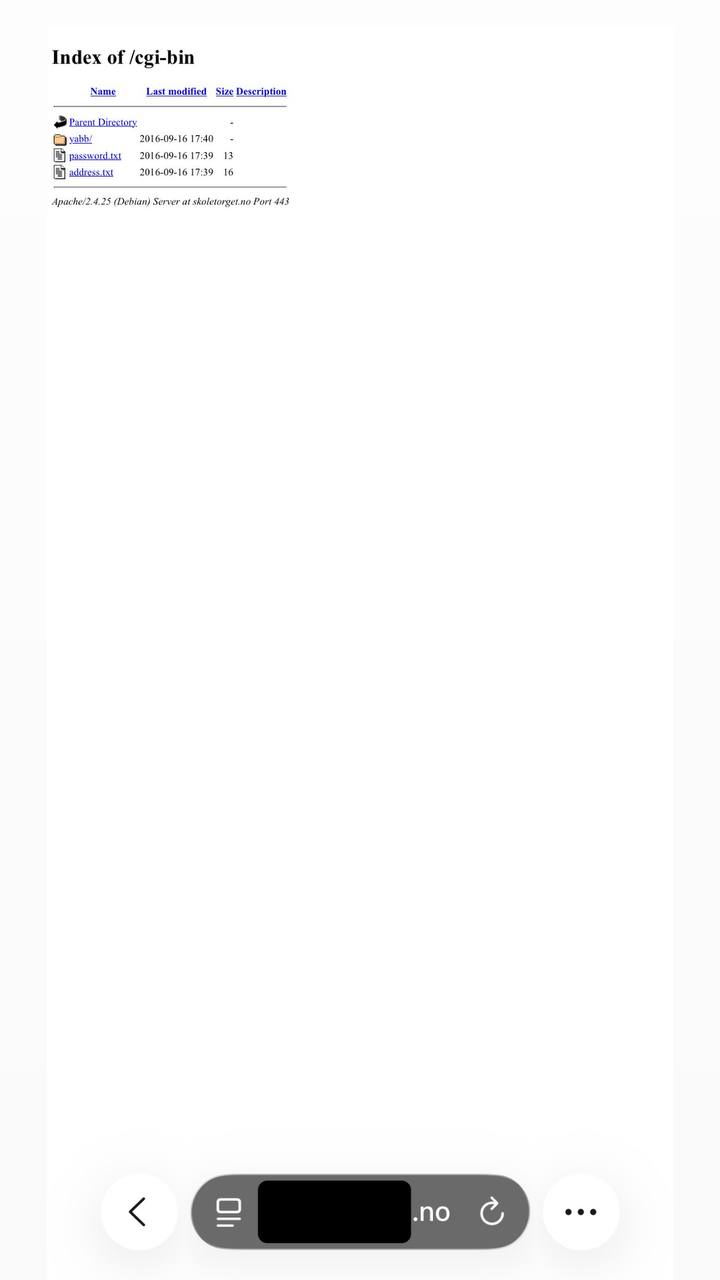
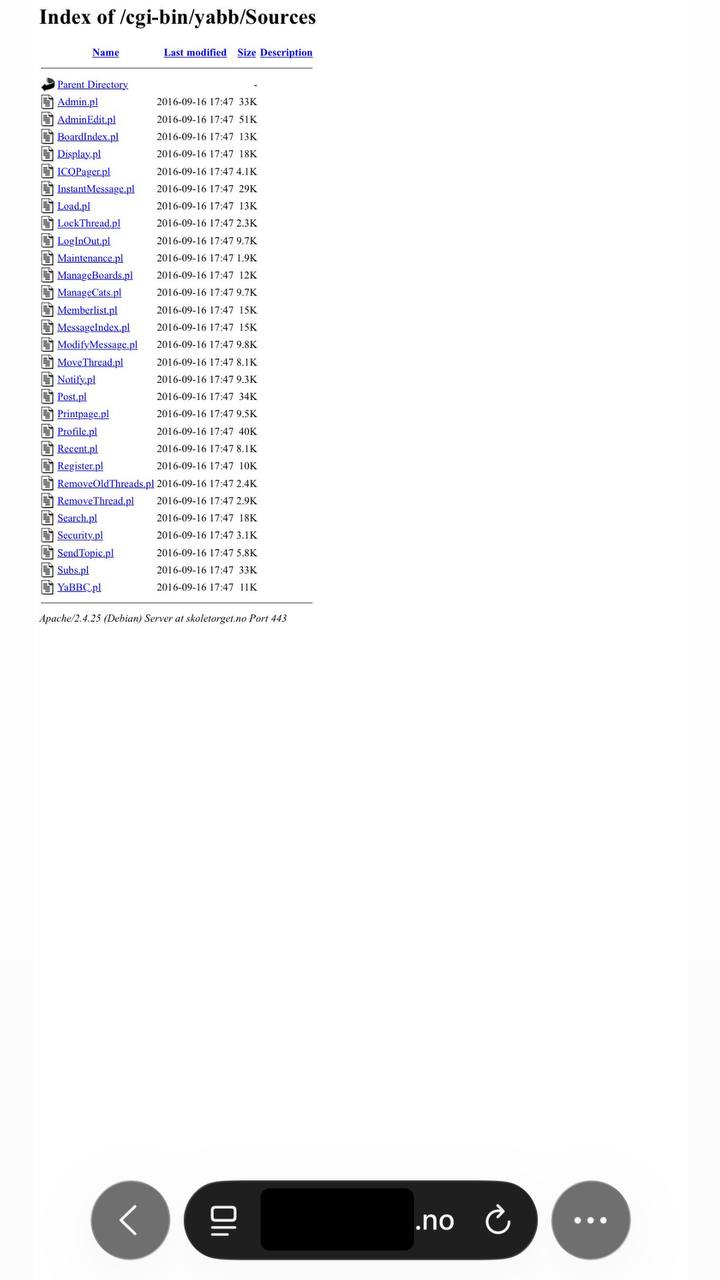
If directory browsing is enabled, search engines may sometimes index the contents of the directory. Instead of seeing a normal webpage, a visitor can end up with a list of files that the administrator never intended to expose.
Backups, old scripts, configuration files and temporary files are particularly concerning. At the same time, an exposed CGI script should not automatically be treated as an RCE vulnerability. Remote code execution requires a specific vulnerability and the conditions necessary to exploit it.
Reconnaissance starts with simple questions
Good reconnaissance does not always require complicated tools. Sometimes the first step is simply checking what a search engine already knows about your website.
A forgotten .env file, database backup or open directory listing can reveal far more than the owner of a system intended to publish. This is why security is not only about protecting the network perimeter. It is also about knowing exactly what your organization has exposed to the internet.
Google Dorks are useful for defenders as well. They provide a simple way to perform an external check of your own resources: look for old files, administrative pages, indexed documents and other information that should not be publicly searchable.
But search engines are only the first stage. Once you are looking at an actual web application, the browser itself becomes a useful source of information. Chrome DevTools can show how a website communicates with its backend, which requests are sent, which headers are used and what information the browser stores locally.
The next article will move from search engines to Chrome DevTools and take a closer look at the Network and Application panels.